Meet Your New Repair Assistant
AI repair help built on real-world fixes

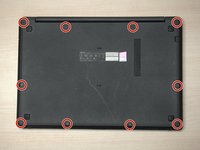
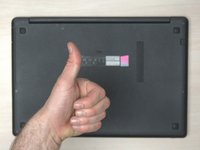
Flip the laptop so the bottom is facing upward.
Remove ten screws using a Phillips #0 screwdriver.


Using your fingertips, carefully pull the backplate in an upright direction.
Continue along the edges until the backplate is fully removed.


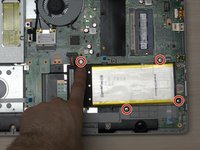
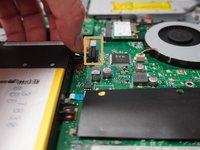
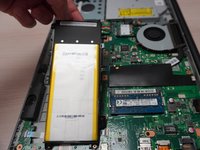
Remove the four screws from the battery using a Phillips #0 screwdriver.
Pull up on the cable connected to the motherboard to remove.
Remove the battery from the bay.


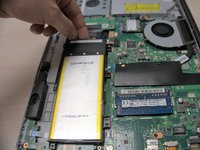
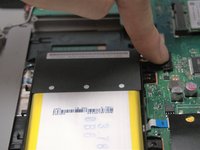
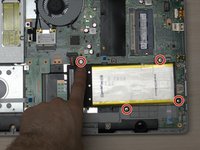
Place the new battery in the bay.
Install the battery cable to the motherboard, applying pressure in a downward direction.
Screws the screws back in using a Phillips #0 screwdriver.


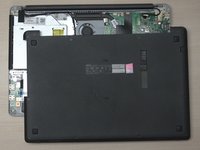
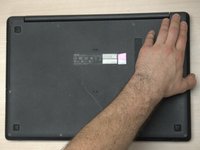
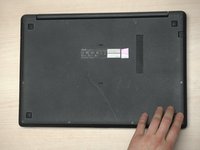
Align the backplate.
Starting with the upper right corner, apply pressure in a downward angle.
Maina Alvin is a Kenyan technology specialist, Critic and an entrepreneur With a background in software development, hardware diagnostics, and cybersecurity consulting, he combines deep technical expertise with real-world experience.