A laptop that won't charge disrupts work, studies, or daily tasks in fast-paced areas along Thika Road—from Kahawa Sukari and Kahawa Wendani estates to Tatu City developments, Ruaka, Membley, Kenyatta University zones, Bypass routes, Juja, and Nairobi access points. Common signs include "plugged in, not charging" messages, no charging light, slow charging, or the battery draining even when connected. Power fluctuations, dust from construction, frequent plugging/unplugging, and aging components contribute heavily in these Kenyan neighborhoods. At Crosstech, your trusted electronics shop and repair center in Kahawa Sukari, Kiambu County, we specialize in diagnosing and fixing laptop charging issues. Using genuine parts for batteries, charging ports (DC jacks), adapters, and circuits, our certified technicians offer fast, reliable repairs with same-day options where possible. We accept M-Pesa for easy payments and provide same-day delivery across Kahawa Sukari, Thika Road corridors, Tatu City, Ruaka, Nairobi, Membley, Kenyatta University, Bypass, Juja, Kahawa Wendani, and nearby areas.
In local conditions like voltage fluctuations, dust buildup, and heavy daily use, charging problems arise frequently. Here's what typically causes a laptop not to charge in Kahawa Sukari-area homes and offices.
The most common culprit: damaged cables, frayed wires, loose connections, or incompatible third-party chargers. In Thika Road traffic or estate commutes, cables wear out quickly from bending and pulling.
Loose, broken, or worn DC jacks from repeated insertions cause intermittent or no charging. Dust and debris in ports—common near construction in Tatu City or Bypass zones—aggravate this.
Batteries lose capacity over time (typically 300-500 cycles), leading to "plugged in, not charging" or failure to hold charge. Overheating from poor ventilation in warm Kenyan climates accelerates wear.
Outdated battery drivers, Windows updates (e.g., recent glitches causing charging errors), or power management settings prevent proper charging recognition.
Overheating throttles charging; faulty motherboards or power ICs (from surges) halt the process entirely—issues seen in older laptops used heavily around Kenyatta University or Ruaka offices.
Before bringing it to Crosstech, attempt these safe steps to rule out simple fixes for laptop not charging.
Ensure the charger is firmly plugged into both the wall and laptop. Test with another compatible charger if available. Inspect the cable for damage and try different outlets (avoid extensions during fluctuations).
Perform a hard reset: unplug charger, remove battery (if removable), hold power button 30-60 seconds, reconnect, and plug in. For non-removable batteries, hold power 15-20 seconds while unplugged.
Update Windows and drivers via Settings > Update & Security. In Device Manager, expand Batteries, uninstall Microsoft AC Adapter and ACPI-Compliant Control Method Battery, then restart to reinstall. Check power plans in Settings > System > Power & sleep.
Use built-in tools (e.g., HP Battery Check, Dell diagnostics) or run "powercfg /batteryreport" in Command Prompt for a report on capacity and issues.
When DIY steps fail, Crosstech handles full diagnostics and repairs for charging problems across popular brands like HP, Dell, Lenovo, Acer, Asus, and more in Kahawa Sukari and surrounding areas.
Bring your laptop for a no-cost check—we test charger output, port continuity, battery health, and circuits to pinpoint the exact cause without obligation.
We resolder or replace damaged DC jacks with genuine connectors, fixing loose or broken ports common from daily use along Thika Road.
Install high-quality compatible or original batteries to restore full capacity and charging—ideal when batteries show low health or won't hold charge.
Test/replace faulty adapters; repair power circuits or ICs for deeper issues like surge damage prevalent in Kenyan power environments.
Pair fixes with cleaning, thermal paste refresh, or upgrades. Link to our laptop repair page or CCTV installation for bundled security solutions.
Same-day delivery gets your fixed laptop back quickly. M-Pesa payments ensure convenience.
Crosstech offers local expertise and quality service trusted by residents along Thika Road and beyond.
Certified team uses OEM-equivalent parts with 3-6 month warranties for durable fixes in dusty, variable-power conditions.
Diagnostics free; port repairs start affordably (KSh 2,500+), battery replacements competitive—no hidden fees.
Most charging fixes same-day or next-day, minimizing downtime for work or studies in Kenyatta University or Juja areas.
Serving Kahawa Sukari locals with reliable results and post-repair advice to prevent recurrence.
Based in Kahawa Sukari, Crosstech conveniently serves Thika Road stretches, Tatu City, Ruaka, Nairobi, Membley, Kenyatta University vicinities, Bypass zones, Juja, Kahawa Wendani, and more. Easy access for drop-offs and consultations—walk-ins welcome.
Commonly faulty chargers, damaged ports, degraded batteries, or driver/software issues—our diagnostics identify quickly.
Port fixes from KSh 2,500+, battery replacements vary by model—get a free quote for accurate pricing.
Yes, with quality compatible or original batteries and warranties for reliable performance.
Yes, M-Pesa, cash, and cards accepted for all repairs.
Many cases yes—especially port cleaning or simple fixes; complex ones within 24-48 hours.
Don't let charging problems slow you down in Kahawa Sukari or nearby. Visit Crosstech for expert laptop not charging repairs serving Thika Road, Tatu City, Ruaka, Nairobi, Membley, Kenyatta University, Bypass, Juja, Kahawa Wendani, and more. With affordable solutions, genuine parts, and fast service, we're here to help. Inquire via our laptop repair page or stop by our Kahawa Sukari store—slots for urgent fixes fill quickly!
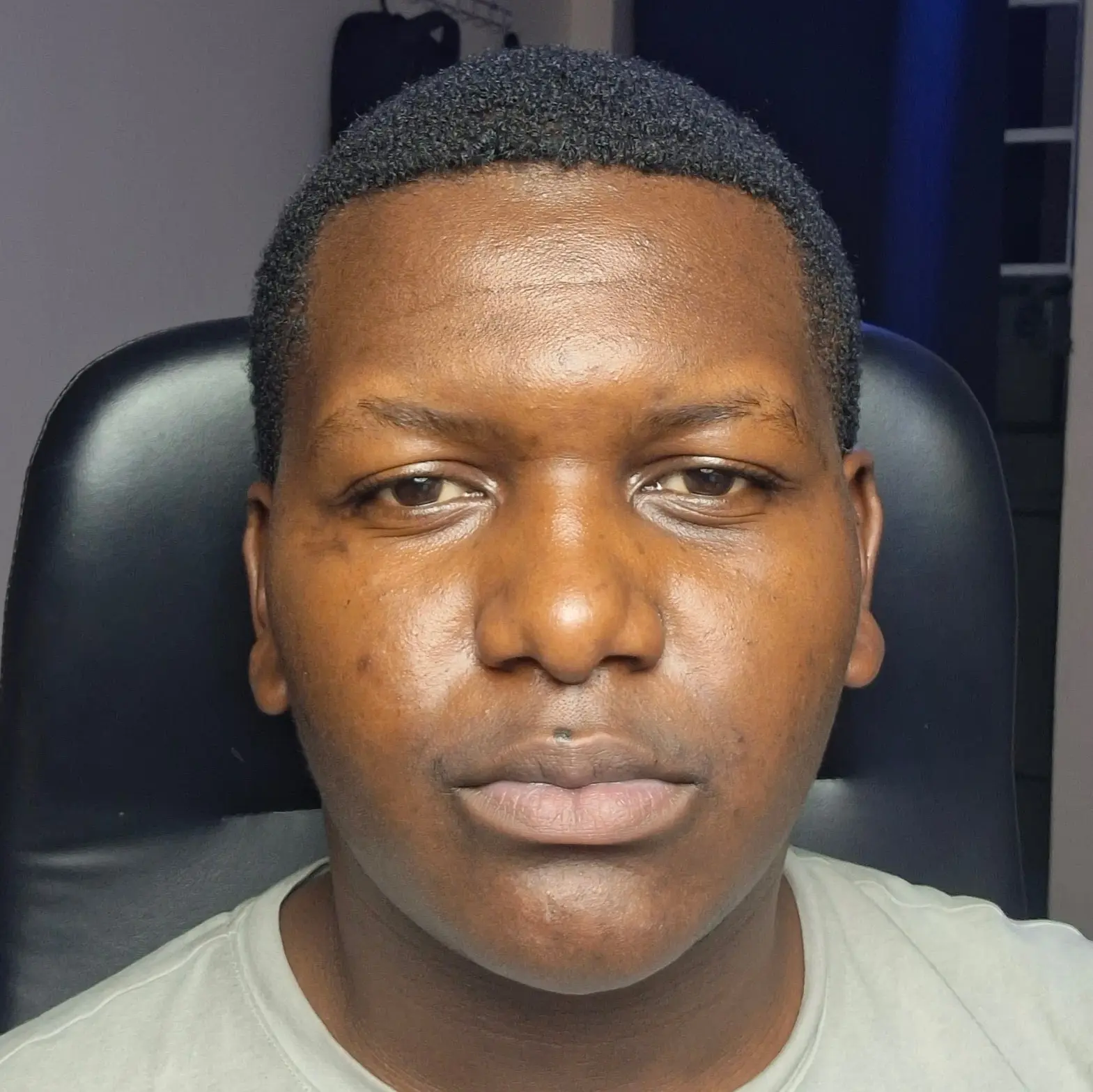
Maina Alvin is a Kenyan technology specialist, Critic and an entrepreneur With a background in software development, hardware diagnostics, and cybersecurity consulting, he combines deep technical expertise with real-world experience.
Need the best laptop repair services in Nairobi? Crosstech in Kahawa Sukari provides expert fast diagnostics,...
Laptop overheating during online classes or work in Ruiru? Crosstech in Kahawa Sukari offers reliable laptop...
Looking for the best laptop repair in Nairobi? Screen, battery & motherboard repair with Uber pickup....